Submitted by Donnie Gladfelter on September 19, 2013 - 10:57am
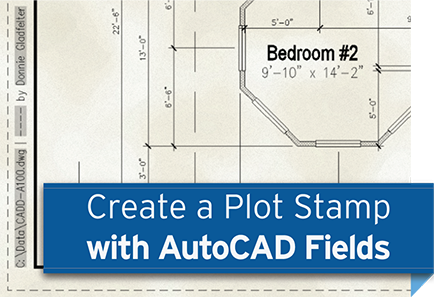
Trying to figure out which of the two plots on your desk is the most up-to-date version of a plan sheet is never much fun. Of course, even if you know which plot is the latest, you’ll still need to know where it’s saved to make any updates to it. By including information such as when a drawing was plotted and where it was saved in the margins of your sheets, plot stamps can help you avoid time consuming dilemmas like these.
There are several different ways you can add plot stamps to your drawings using Autodesk AutoCAD, but the Field’s functionality is perhaps the easiest and most versatile of these methods. Check out the video above to learn how with nothing more than a piece of multiline text (MTEXT) you can quickly and easily add a plot stamp to you border blocks.
For more time saving tips & tricks, check out an on-demand version of our popular Autodesk AutoCAD Tips & Tricks webinar in the CADD Webinar Archive. Read more about Creating AutoCAD Plot Stamps with Fields
Tags:
Tips & Tricks,
Plotting
Submitted by Donnie Gladfelter on August 1, 2013 - 5:40pm
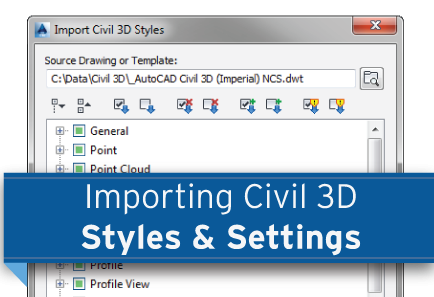
You'll most likely find yourself creating or modifying some number of AutoCAD Civil 3D Styles throughout the course of a project. Although dragging-and-dropping styles between drawings has always been an option, it hasn't been without its shortcomings.
The Import Civil 3D Styles command is a recent addition to AutoCAD Civil 3D that allows you to synchronize and import styles between drawings. With this tool you can quickly identify Civil 3D Styles that have been added, updated, or even deleted from your company's template. In addition to styles, this tools will also let you import the Civil 3D command settings from another drawing. Check out the video to see this tool in action.
For more information about AutoCAD Civil 3D, or to learn how CADD Microsystems can help your team create and manage your own style library, contact our team of experts. Read more about Importing AutoCAD Civil 3D Styles and Settings
Tags:
AutoCAD Civil 3D,
Tips & Tricks